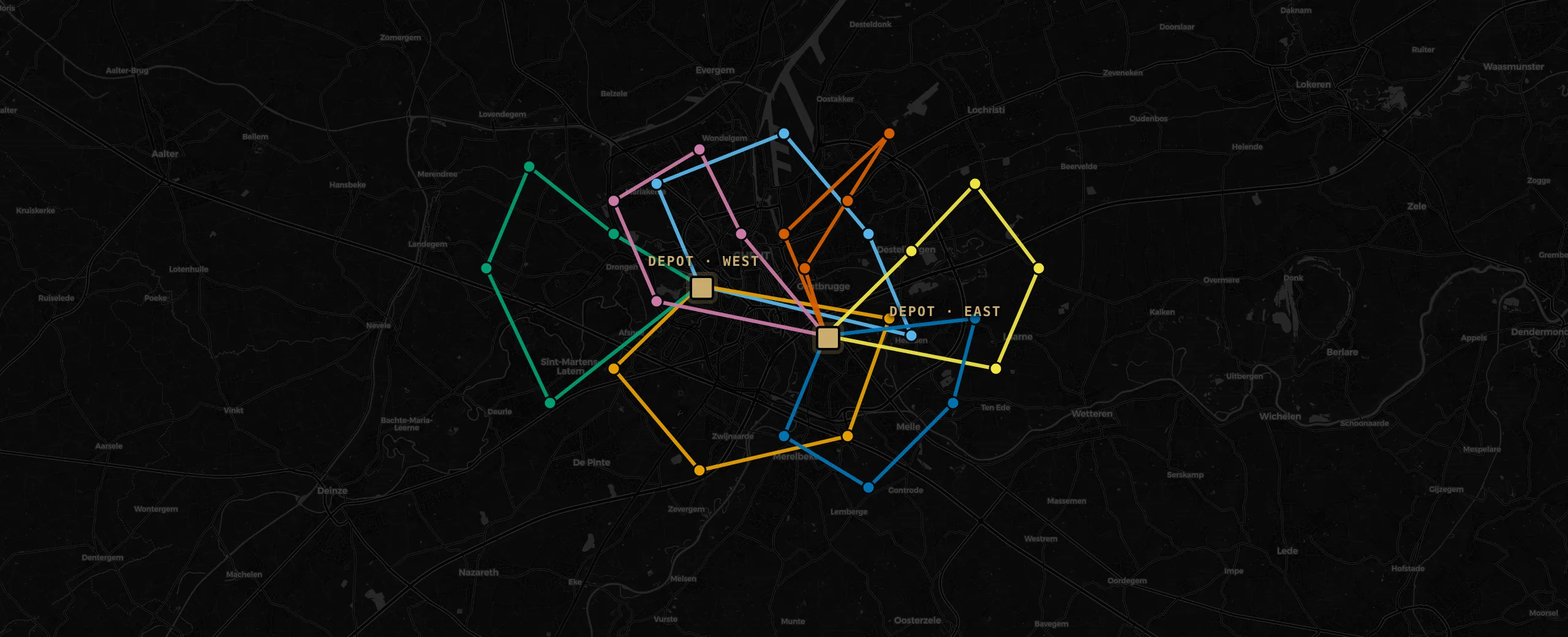
When a visit runs long, a driver reports sick or an emergency comes in, the engine runs a short repair solve from the current time. Finished and in-progress work stays fixed, the remainder of the day is re-planned in seconds, and technicians see the updated plan on their phone.
A no show, an extended visit, an emergency booking or a sick report each triggers a repair solve from the current time. The feed shows what changed: visits added, reassigned, retimed or dropped.
Everything before the current time is locked: completed visits and the job a driver is already en route to. A re-solve only changes what is still open.
Technicians mark a job done, extend it by 30 or 60 minutes, flag a customer not home, or hand a job to a colleague. Ending a shift for a sick driver is a dispatch action; the remaining visits are re-planned onto others.
Search an address or add an urgent job and get a ranked list of slots, each showing the added travel, overtime and the visits it moves. Infeasible slots state the reason: a missing skill, a full shift, a closed window.
The solver proposes a plan; the planner can change any part of it. Visits can be dragged to another technician or time, and appointments that are already agreed can be entered as fixed. The solver plans around those decisions.
A visit can be dragged to another technician or another time. The move is pinned in place, the route re-times around it, and later re-solves leave it where it was put.
Visits with an agreed time slot or a required technician can be entered as fixed. The solver plans the remaining visits around them.
A single visit, the first part of a shift or a whole route can be pinned. Pinned work is left unchanged; the rest is optimised on each solve.
The solver proposes a plan; the planner accepts it or changes any part of it and re-solves the rest.
Skills, time windows, breaks, shifts and priorities. A plan that breaks a hard constraint is never proposed.
Visits can require skills at a minimum level and hard certifications. Faster technicians finish sooner, and the engine avoids assigning an expert to routine work.
Hard windows (with an optional second window), a preferred soft window, a latest start and contractual SLA deadlines are all respected. SLA visits can be scheduled earlier in their window.
A floating lunch is placed inside its allowed window; fixed appointments are immovable blocks. Service never overlaps a break.
Shift start and end, an overtime policy that’s discouraged with an allowance or disallowed outright, a cap on visits and travel per shift, and a coverage radius around each home base.
Jobs carry a priority; some are mandatory, some may wait. A visit can depend on another finishing first within a delay window, and multi-technician jobs run on distinct people, starting together, all or nothing.
Travel time, waiting, overtime, cost, fairness, SLA and profit are separate weighted objectives. The weights decide the trade-offs the plan makes.
Employees carry a day rate plus overtime; contractors an activation fee plus an hourly rate over their working time. An empty route costs nothing, so the plan weighs the euro figure, not just kilometres.
Optional visits carry a profit. A higher weight pulls more of them in when the detour is worth it; a lower weight protects the core route. Mandatory work is never dropped.
A fairness weight balances working time across technicians. Higher for an even day, lower when efficiency matters more.
Travel, waiting, overtime, cost, fairness, SLA and profit each have a weight, set per solve. The same day can be re-solved under different priorities without changing the data.
The constraints above are the standard set. Rules specific to your operation are added to the model as hard or soft constraints with their own weight. The solver treats them like the built-in ones: hard rules are never broken, soft rules are traded off against the rest.
A custom rule is either absolute or a weighted preference. Absolute rules are never broken; preferences carry a weight you set per solve.
Custom rules are evaluated on every candidate plan while the solver searches, not checked afterwards. A plan that breaks one is never proposed.
Each rule reports its own contribution, so you can see what it costs the plan, retune its weight or switch it off.
You describe the rule the way your planners state it; it becomes a named constraint in the model.